![Safely-Logo@2x.png]](https://hello.safely.com/hs-fs/hubfs/Safely-Logo@2x.png?height=40&name=Safely-Logo@2x.png)
To edit a booking channel selection in Hostaway:
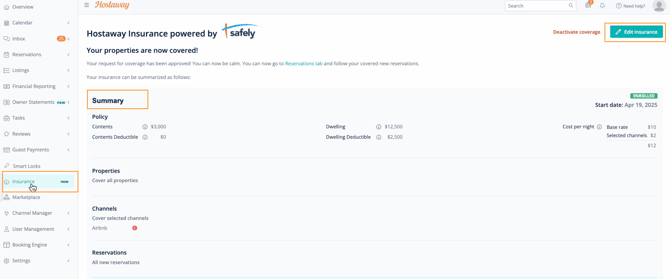
- Go to Insurance on the left toolbar
- View current selections under Summary
- To update selections, click Edit Insurance
If changing from covering only selected channels to covering all booking channels
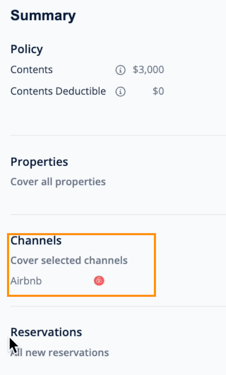
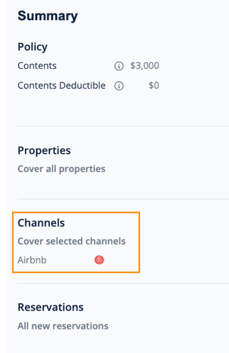
NOTE: In this example: Selected channels are being covered. The only channel covered is Airbnb.
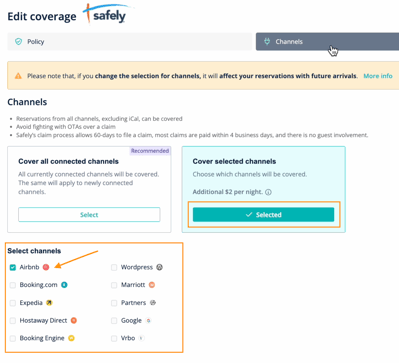
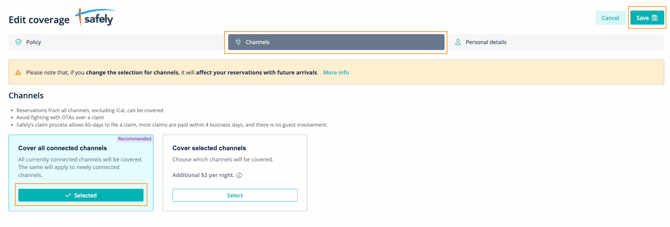
- Select Channel in the Edit Coverage toolbar
- To cover all channels, click Select in Cover all connect channels,
- Click Save
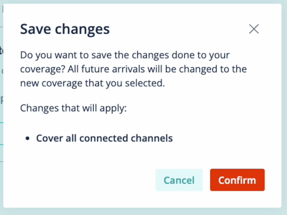
- Review and click Confirm
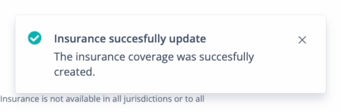
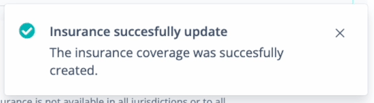
- When complete, a success message will show.
NOTE: When confirmed, all future arrivals will be changed to the new selected coverage.
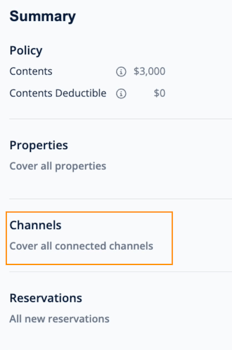
On the Summary page, under Channels it will now show that all connected channels are covered.
If adding additional exclusions or updating covered channels
NOTE: In this example: Selected channels are being covered. The only channels covered are Homeaway and Vrbo.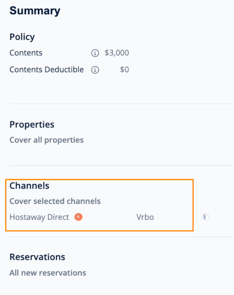
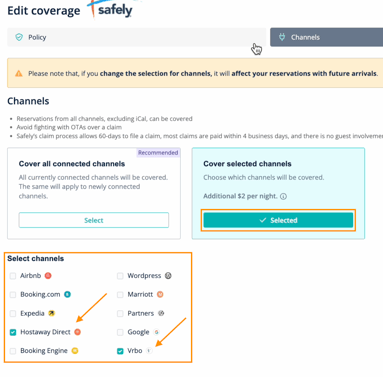
- Select Channel in the Edit Coverage toolbar
- Check to add coverage or uncheck to remove coverage (exclude) for each booking channel
- Click Save
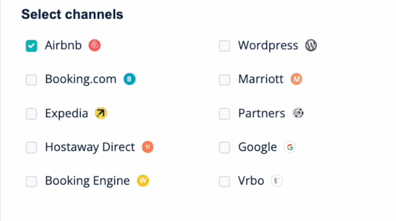
Channels that are not checked will be excluded. In this example, only Airbnb reservations will be covered. All other booking channels will be excluded.
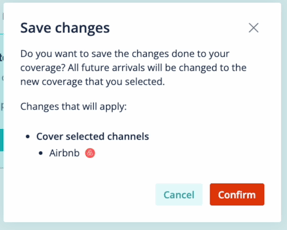
- Review and click Confirm
- When complete, a success message will show.
NOTE: When confirmed, all future arrivals will be changed to the new selected coverage.
 .
. 
On the Summary page, under Channels it will now show that all connected channels are covered.